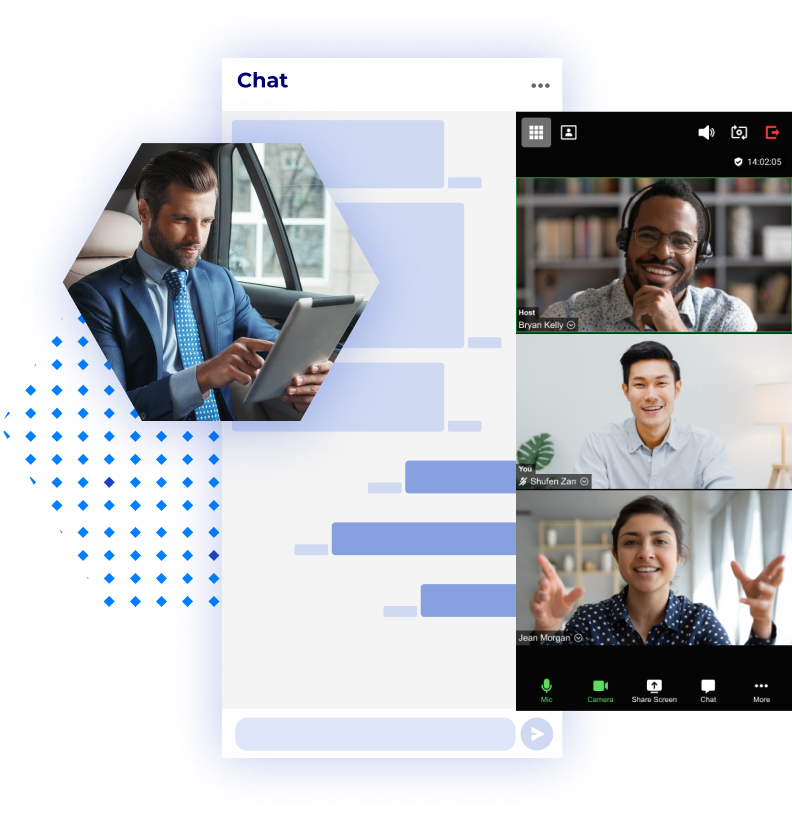
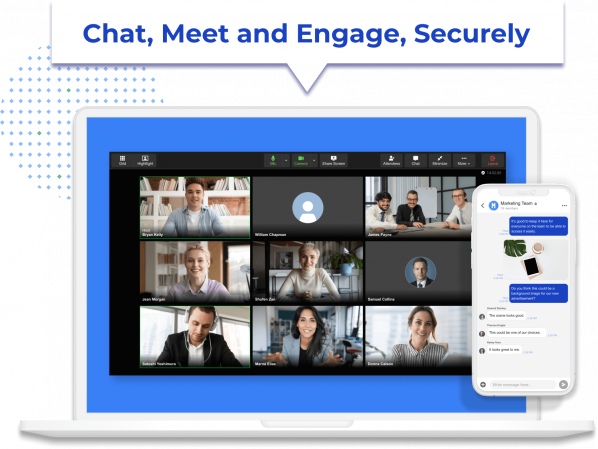
With atwork's suite of built-in communication tools, team members can choose the best method to collaborate based on the demands of the day. Distributed teams in and out of the office can use the app to effortlessly jump from chat rooms to video meetings, and connect through the company feed to share ideas and receive feedback. Having multiple communication channels within the app facilitates seamless team collaboration and eliminates the need for managing multiple apps, passwords, and records.
Real-Time Collaboration
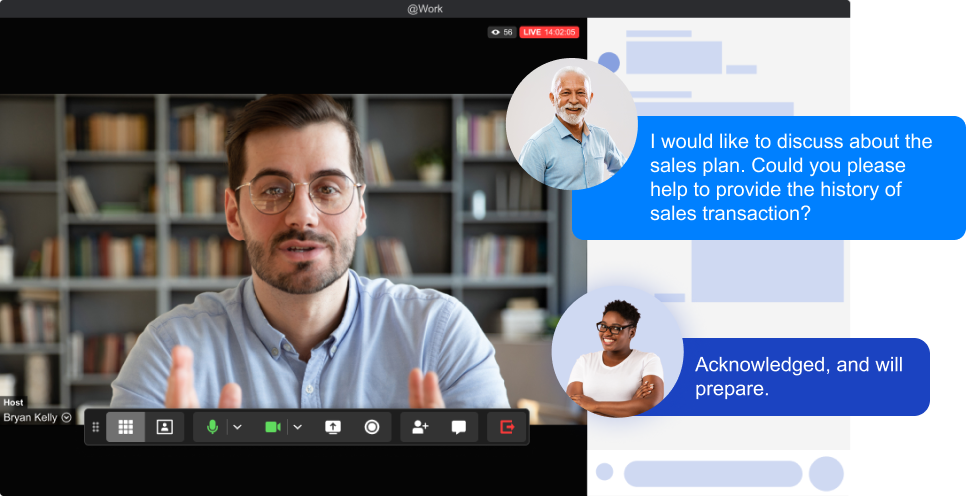
Businesses can benefit from the advantages of real-time collaboration using atwork with features like Video Meetings. These features can be used to facilitate engagement in the workplace with real-time training, executive updates, or Q&As enhancing employee experience and encouraging personal connections within the organization.
Maintain A Single Contact List
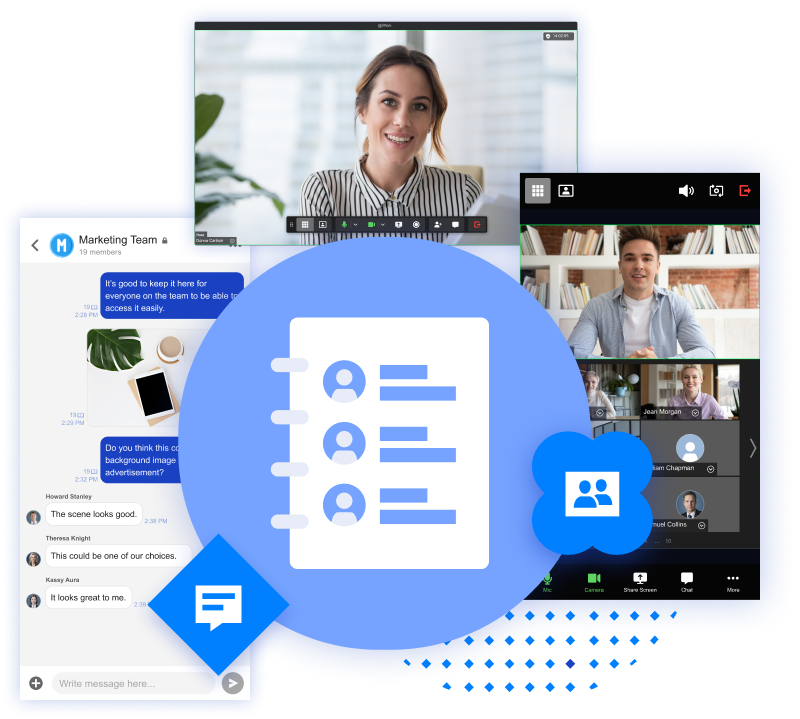
While using multiple programs means creating and maintaining multiple contact lists, all of atwork's features operate from a single contact list, saving time, money, and convenience. Start a chat, schedule a meeting, invite attendees to post updates, ask for feedback, and share files from one centralized contact list.
Why @work?
Top-Tier Security
End-to-end encryption to safeguard your business conversations
Connect Distributed Teams
Affordably connect everyone in your company on any device
Increase Company Engagement
Build a stronger team with your own private social forum and more
Organization by Automation
Eliminate redundant tasks with role-based automation
Unified Collaboration
Save time by utilizing built-in meeting tools through one unified contact list
Team Accountability
Promote team accountability with detailed Read Receipts and Acknowledgements


 No contracts